Now on the App Store

The field notebook built for environmental inspectors

AI-powered. Boots required.

Observe and report. GroundLog keeps the daily log, the field map, stamped photos, compliance records and stormwater inspections in one app, and turns the day into the report the permit asks for.

iPhone, iPad and any browser. Works offline in the field.

The job in three words

Observe and report

Ask any environmental inspector what the job is and you will hear the same three words. See what happened, get it on the record, and be able to prove it. GroundLog is built for that job and nothing else.

01

See what happened

The daily log, the field map and the camera travel in one pocket. Log it where you are standing, with or without a signal.

02

Get it on the record

Every entry carries its date, its location and its status. Every daily log is vaulted before anything replaces it.

03

Be able to prove it

Stamped photos, signed inspections and exports in PDF, Word, Excel and KML. The record goes where the permit needs it.

Who it is for

Built in the field, for the people in it

GroundLog is built by a working environmental inspector and used on active construction sites. The features come from problems met on real jobs.

Boots

Inspectors and monitors

One app for the daily log, the map, photos, compliance entries and the stormwater inspection. Enter it once and every report already has it.

Reviewer

Reviewers and leads

Submitted days arrive ready to read, sign or return. Compliance entries shared to the project land in its compliance log, on the punch list and on the map.

Boardroom

Firms and owners

Reports carry your logo and colors, set once per project. Roles decide who can change what. The record is there when someone asks for it.

The product

One working day, morning to sign off

Every screen below is the app as it ships, recorded on a demo project. No mockups.

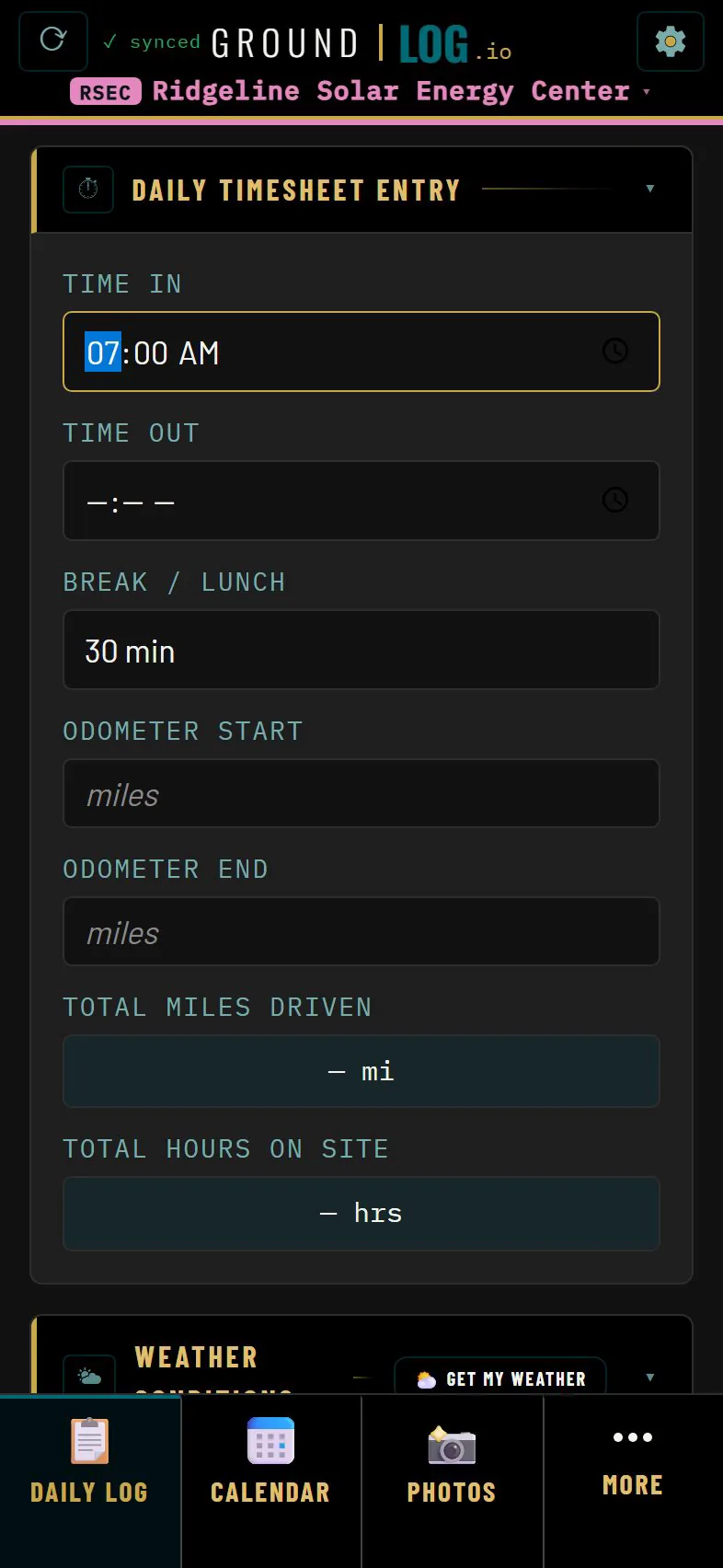
Daily timesheet card with time in set to 7:00 AM and a 30 minute lunch
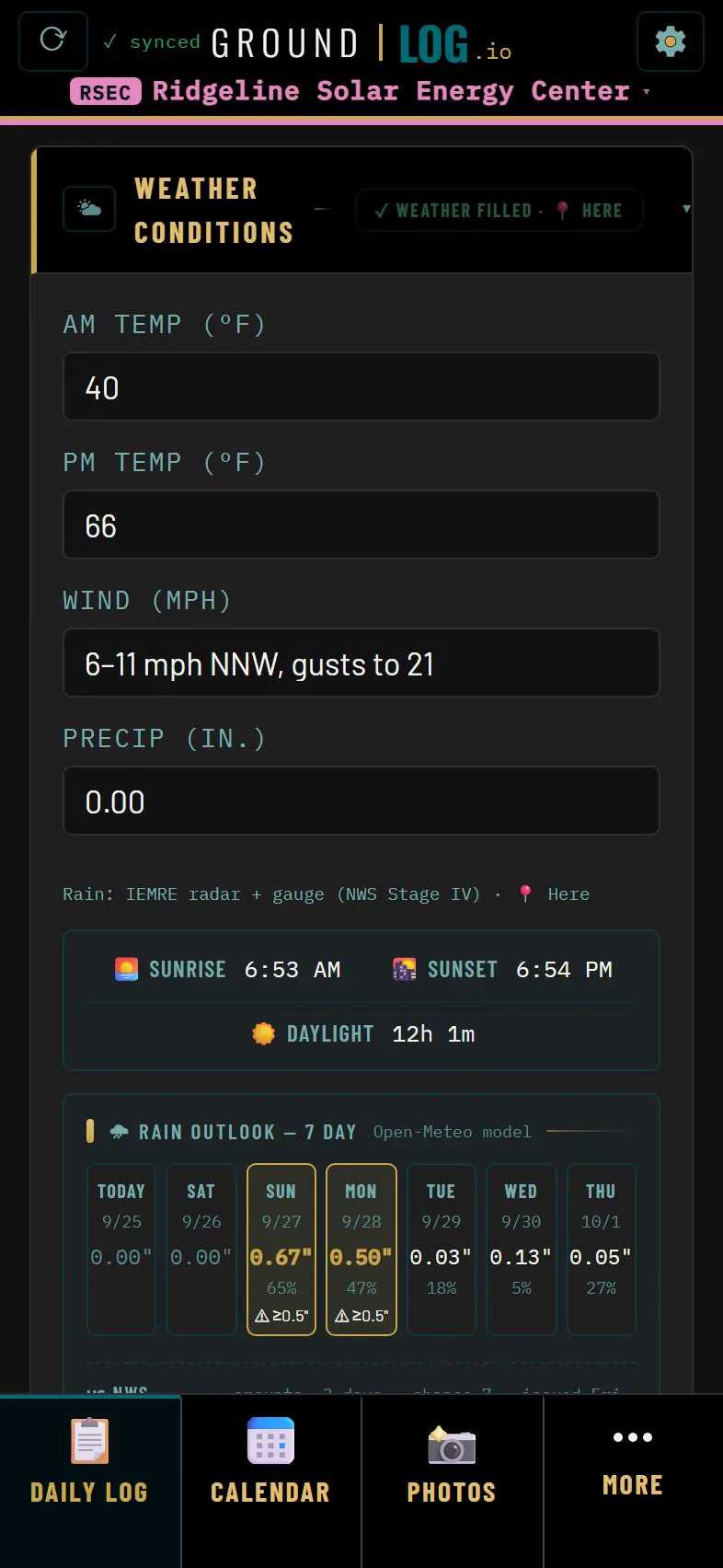
Weather card filled with temperatures, wind, rainfall and a seven day rain outlook
01 · Daily log

The day, already set up

A digital field notebook built from cards, already set up for your project. The app notices a new day, carries your open items over, and keeps yesterday where it was.

  • Set your time in and the day tracks itself. Hours and mileage add up on their own.
  • Weather fills itself for your location: temperatures, wind, rain, sunrise and sunset.
  • The compliance checklist and regulatory flags drop straight into the log.
  • The calendar shows every day you have logged. Yesterday is one tap away.
See the daily log
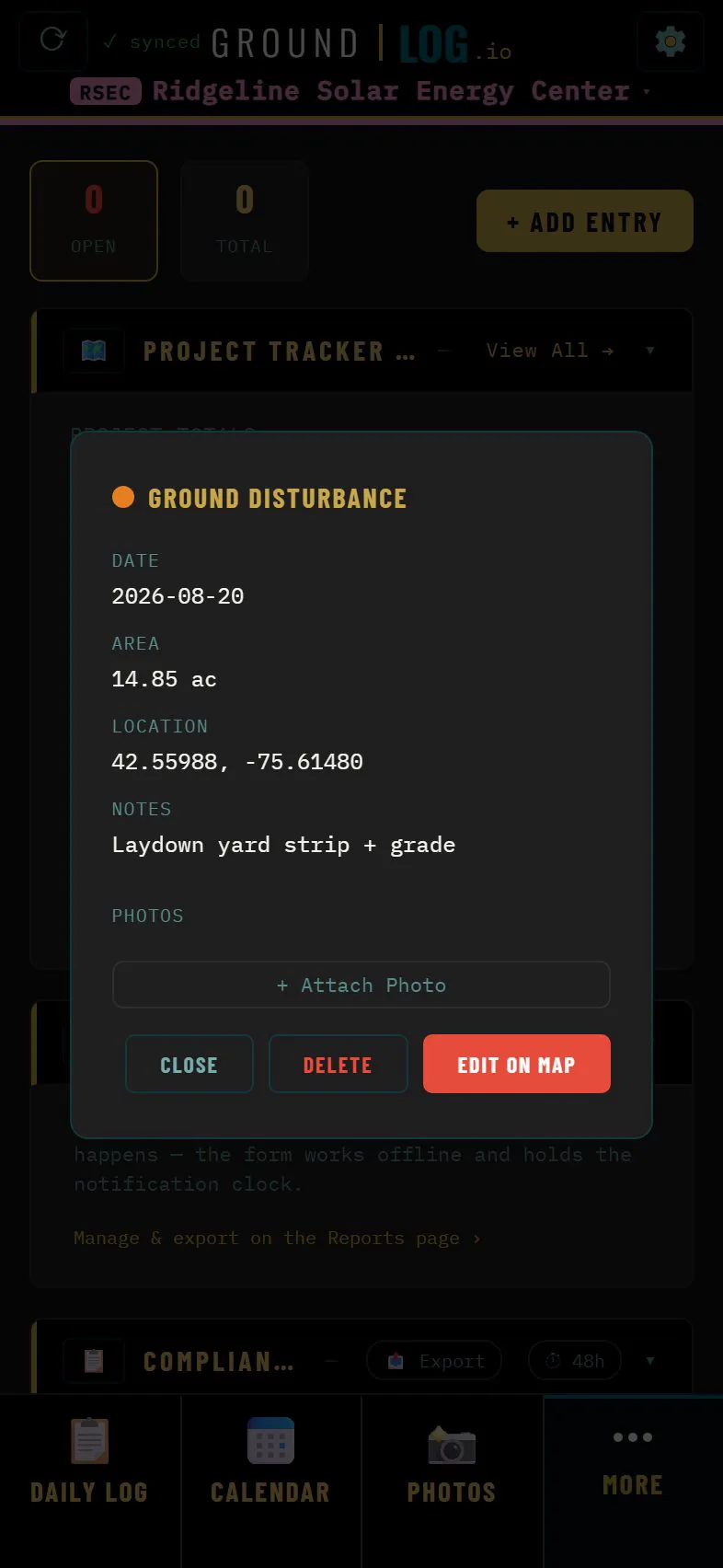
Map layer details for a ground disturbance area: date, 14.85 acres, location and notes
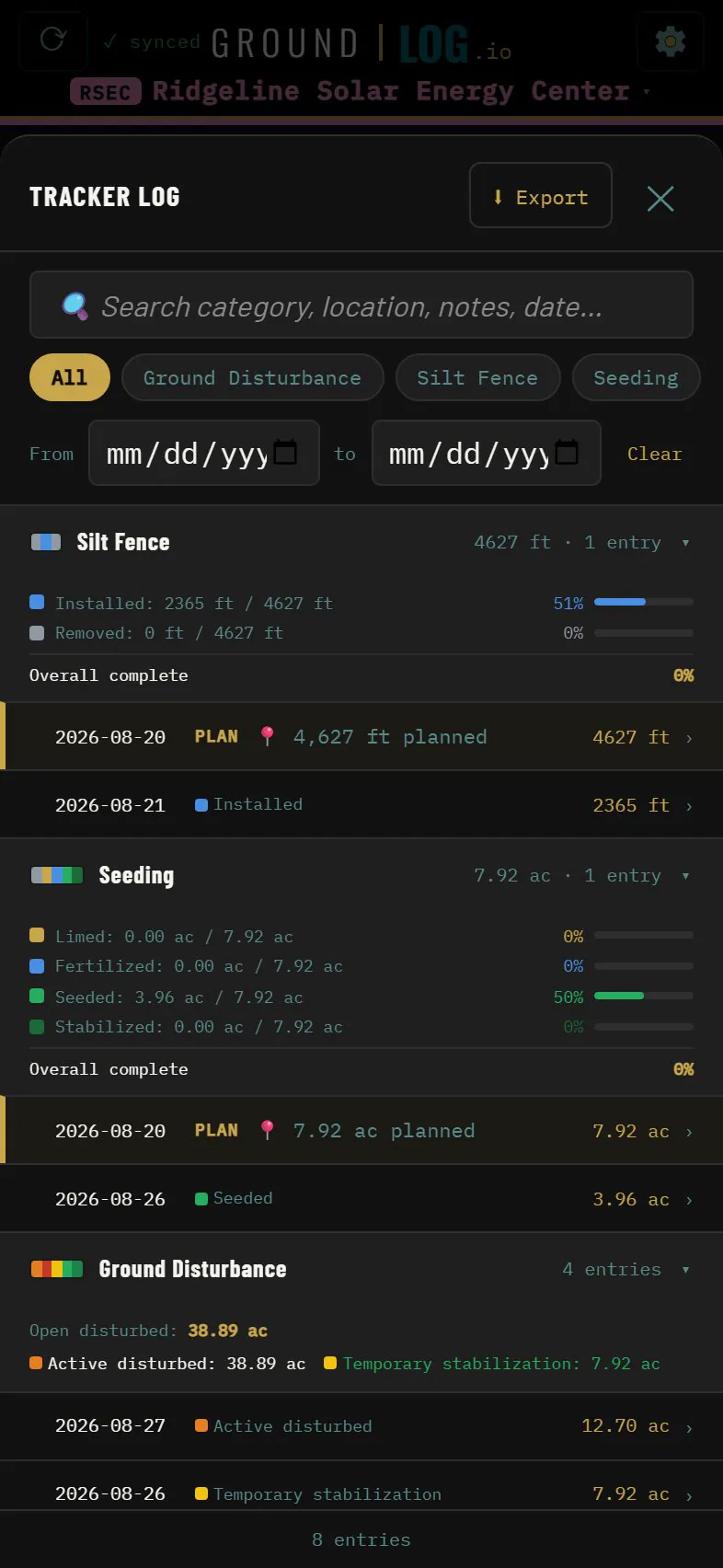
Tracker log listing silt fence, seeding and ground disturbance with planned and completed quantities
02 · Field map and tracker

Every acre, accounted for

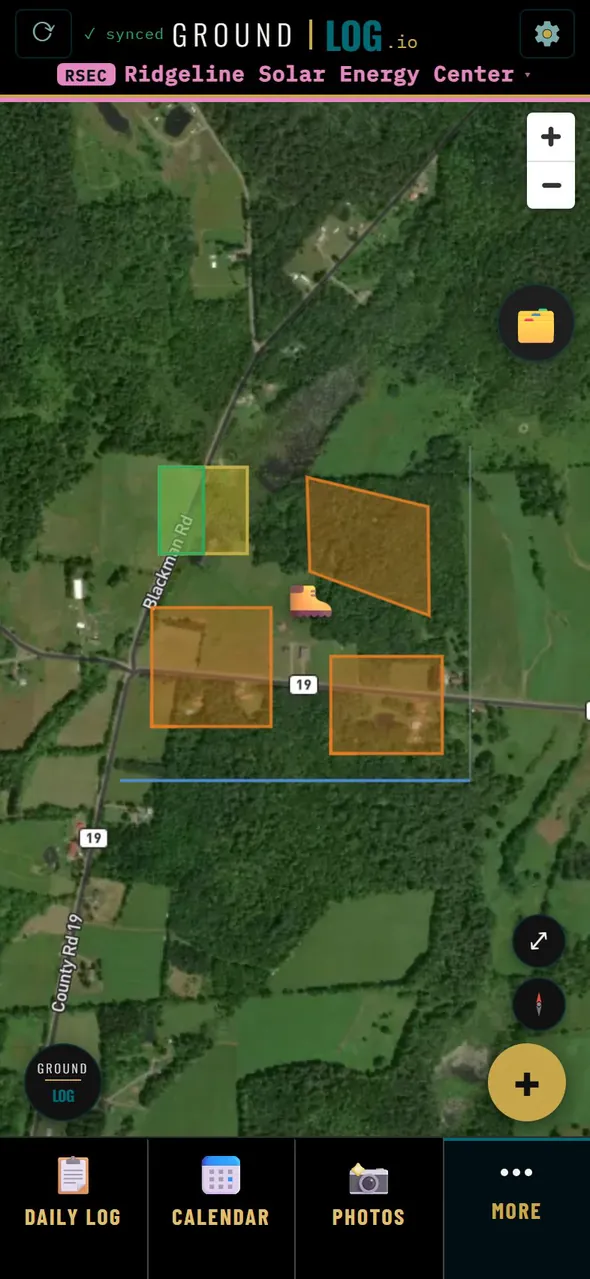
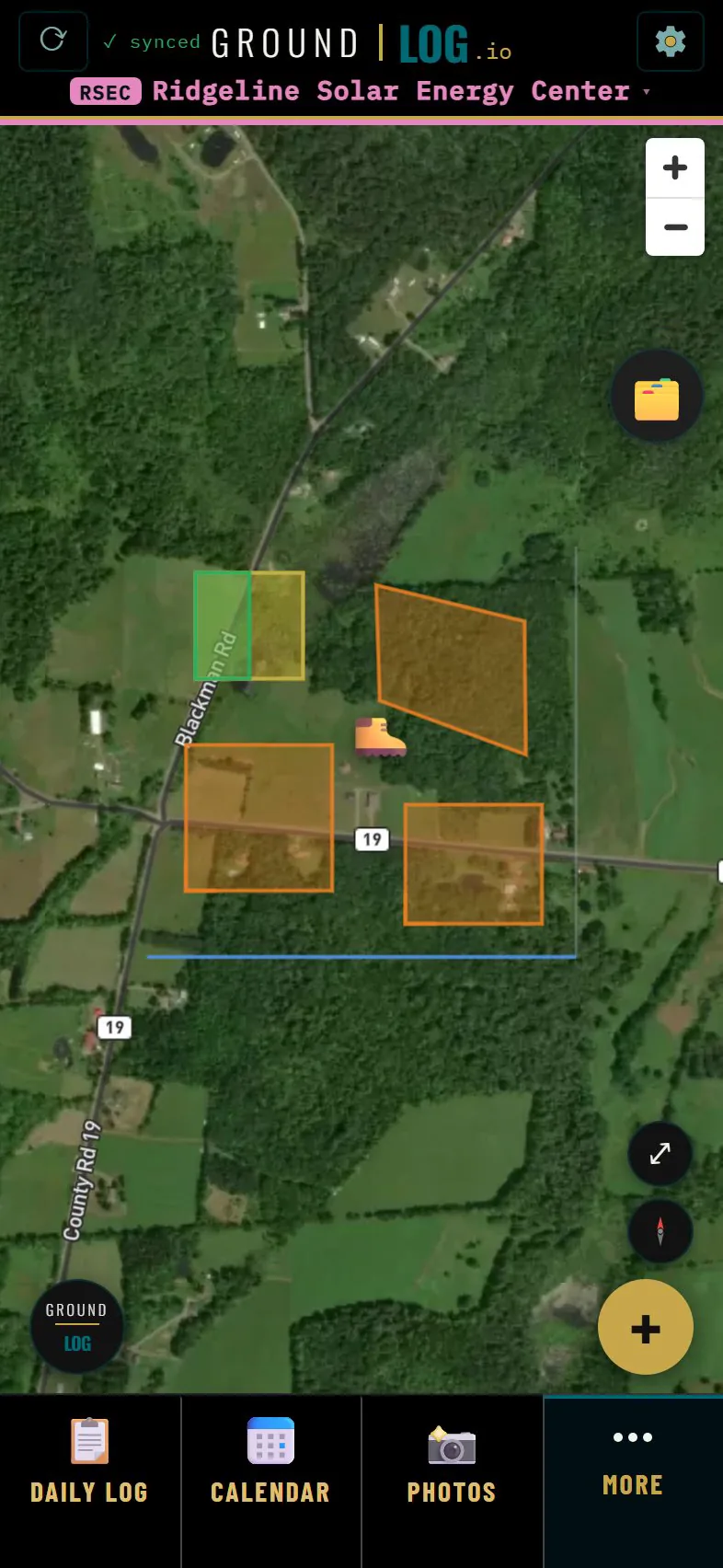
The field map is where GroundLog tracks real work on real ground. Your site, on satellite, with every layer you have drawn.

  • Tracker categories start from a template: seeding, ground disturbance, linear practices like silt fence.
  • Each category is built from states, and each state has its own color and its own progress.
  • Tap any layer for its acreage, its date, its state and what went down on it.
  • The tracker log totals what is open right now against the cap. Nobody adds it up by hand.
See the map and tracker
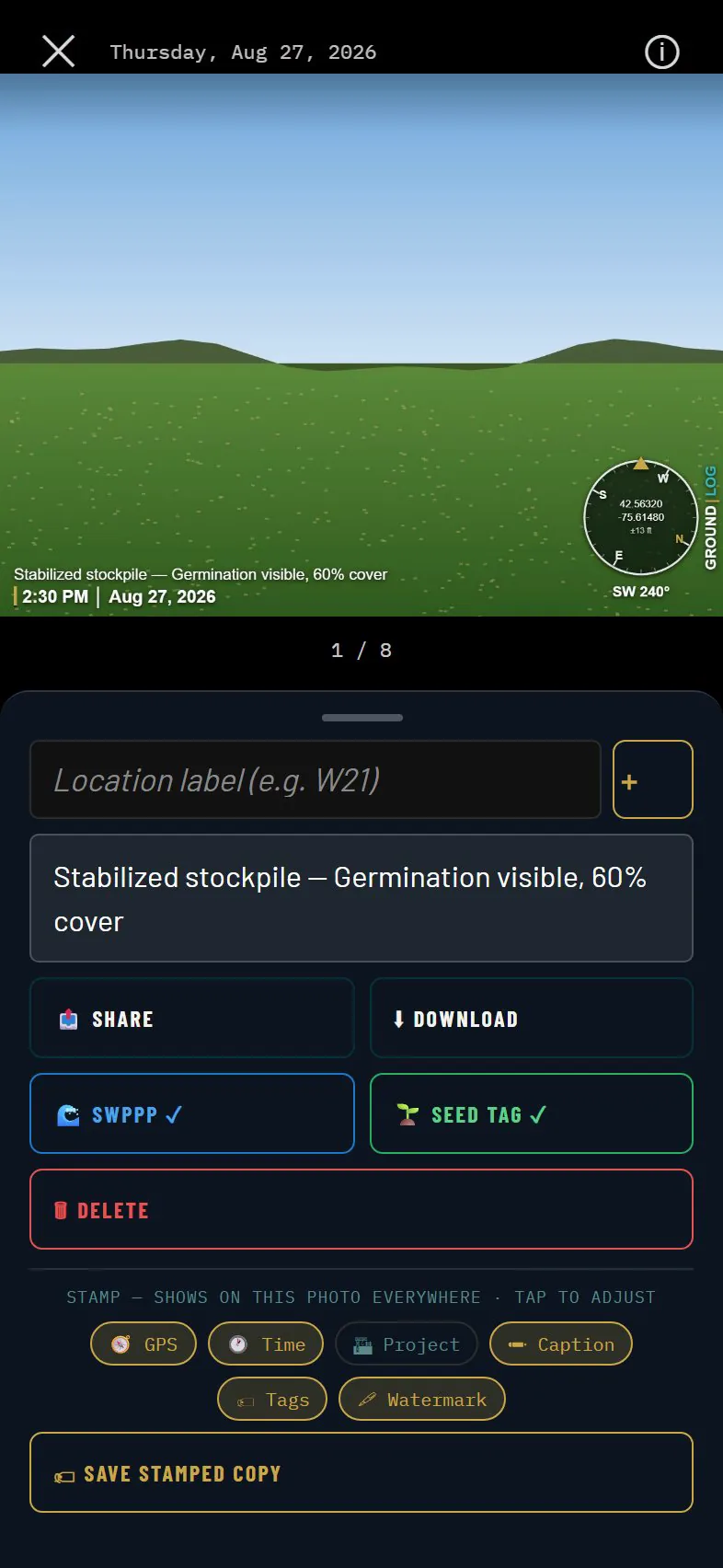
A stamped site photo with stormwater and seed tag labels applied
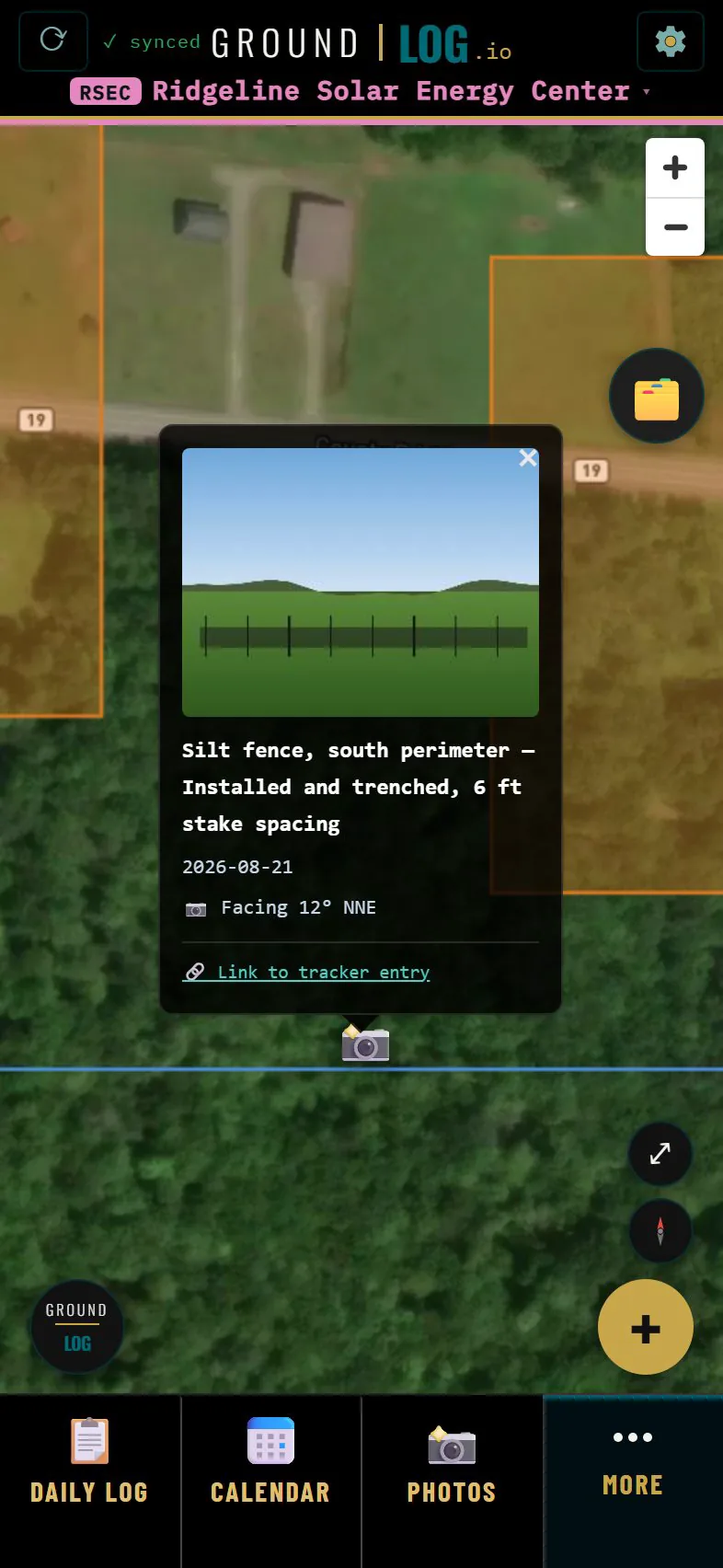
A photo pin opened on the satellite map showing the picture taken at that spot
03 · Photos

Evidence, both directions

Every photo is stamped with the time and where you were standing, and every photo is a pin on the map.

  • The stamp is a rendering, not paint. The clean original is always kept.
  • Tag a photo for the stormwater inspection or the seeding record and it flows to that report on its own.
  • Link a photo to the work it shows. The layer keeps it, and the photo remembers the layer.
See photos
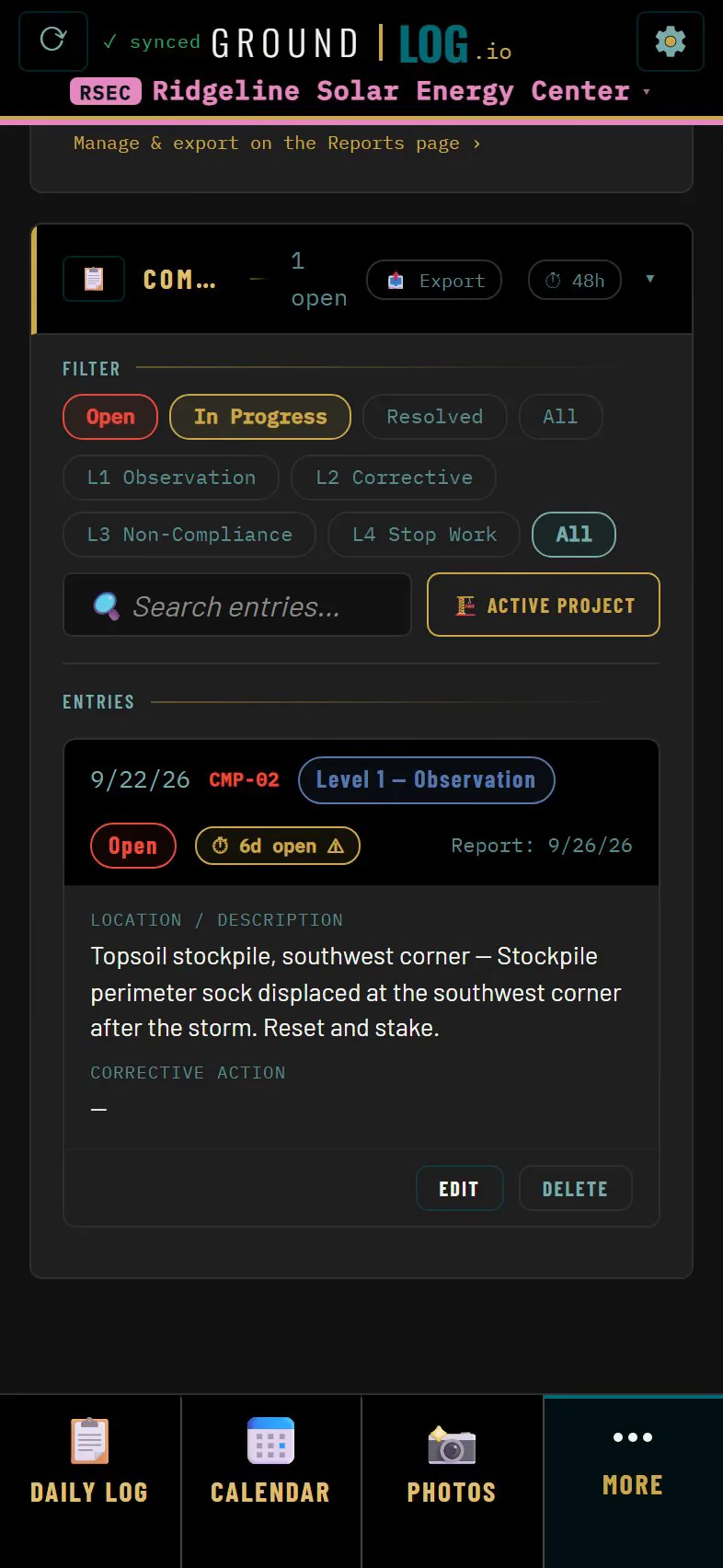
Compliance log with status and level filters and an open entry
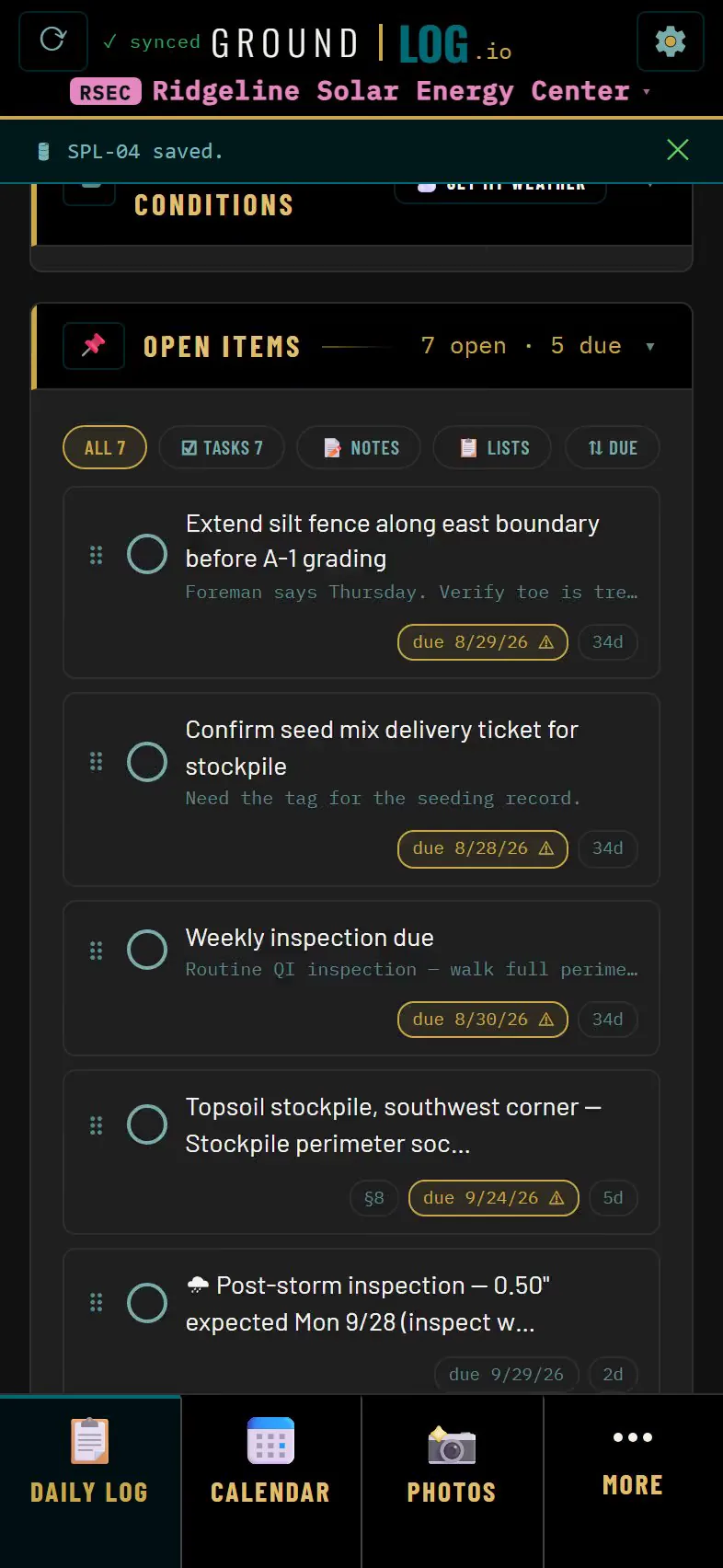
Open items list with due dates
04 · Compliance records

A running record, not a form you fill once

Every observation is an entry with a date, a location, a level and a status. It is in the record the moment you save.

  • An agency visit is its own record: who came, what they saw, what they asked for.
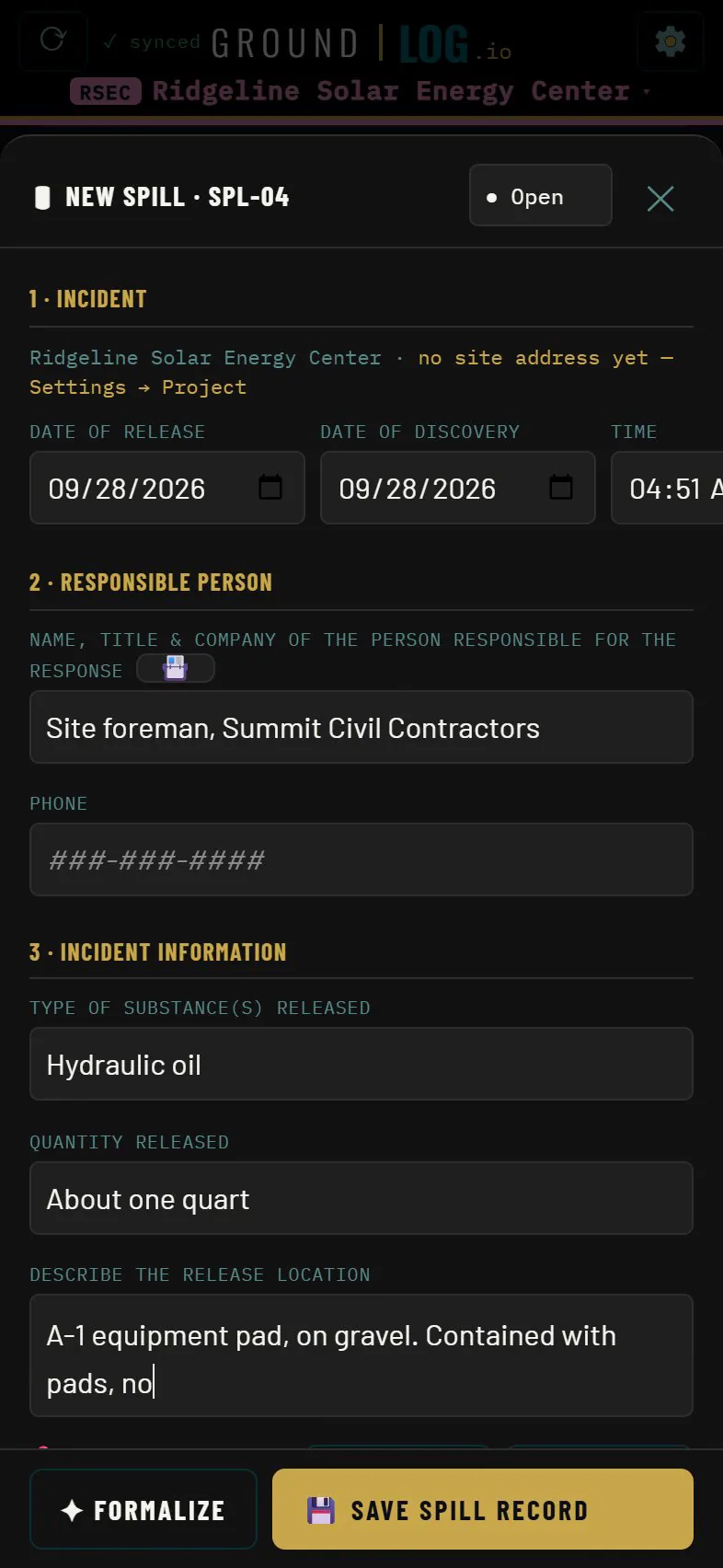
  • A spill record asks what the incident form asks and keeps a timed log of who you notified and when.
  • Open items carry a due date and find you. Resolve one with a note and the history stays.
See compliance records
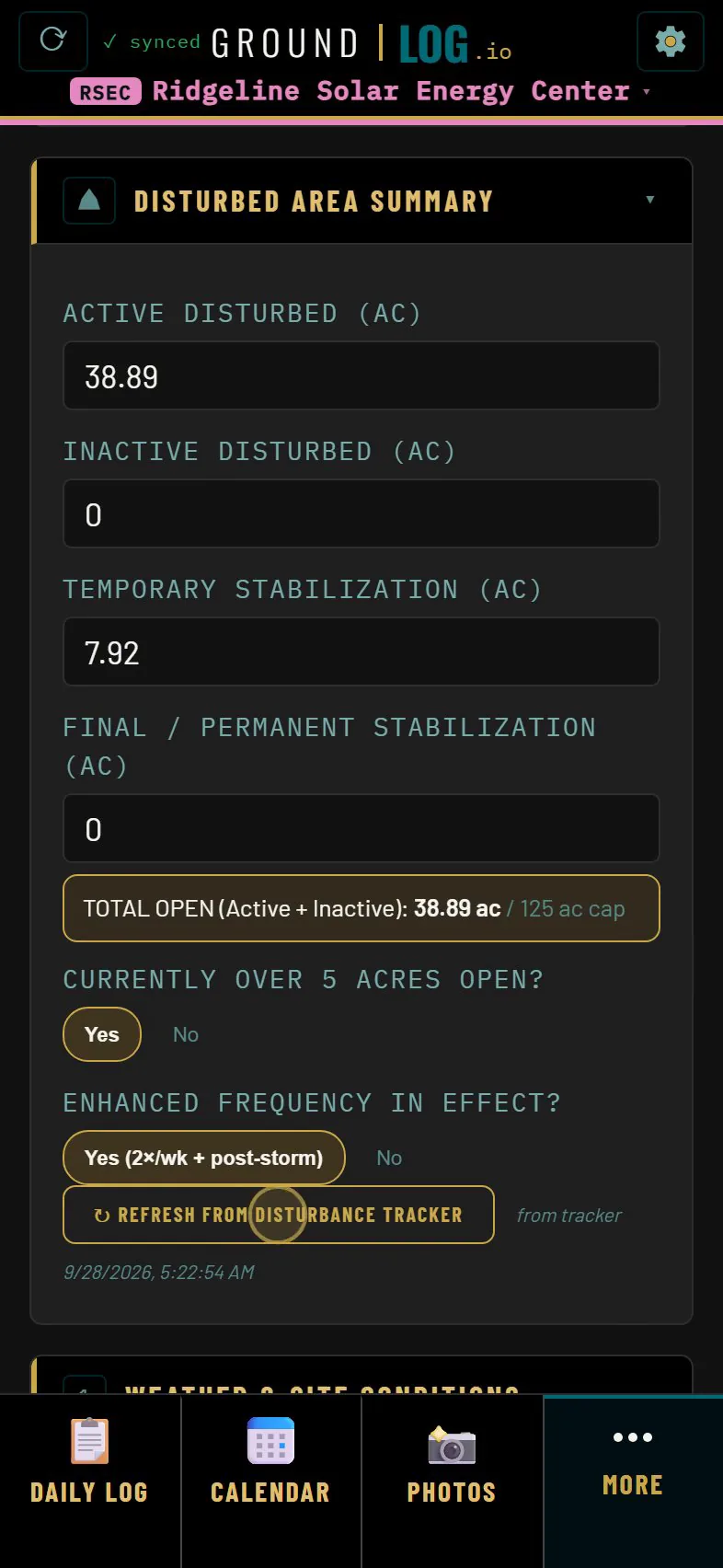
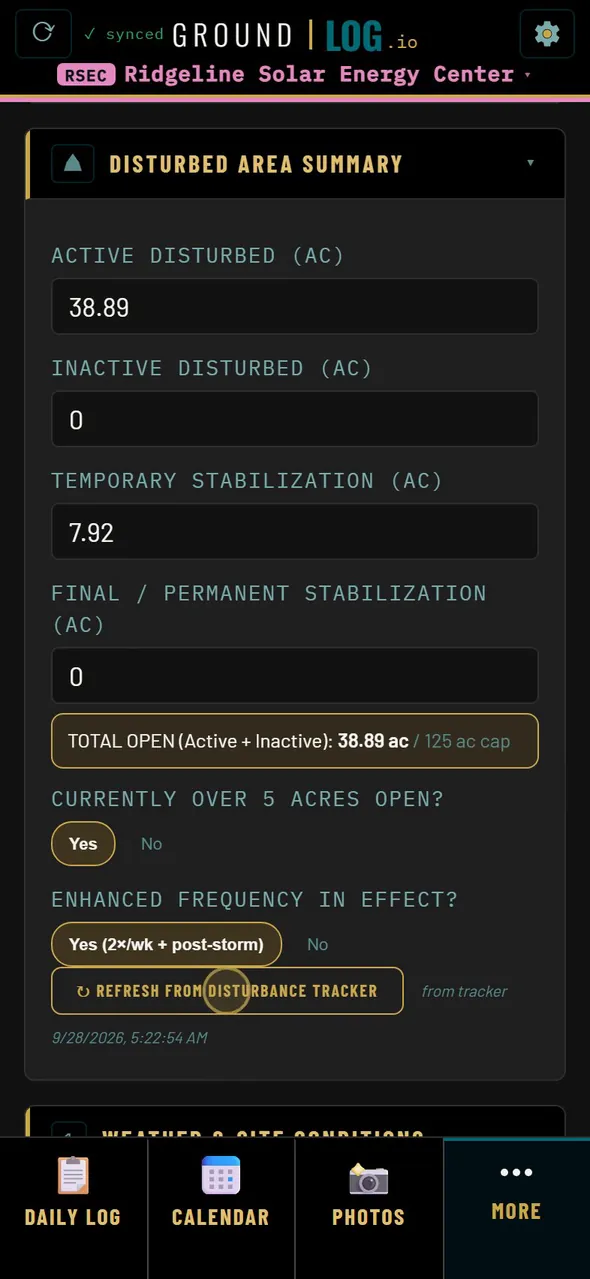
Disturbed area summary of a stormwater inspection, refreshed from the tracker
Signature pad with a signature drawn on the screen
05 · Stormwater inspections

From header to signature

The header already knows who you are, your credential and the permit. Everything else carries forward from last time.

  • The disturbed area summary refreshes from the tracker. The acres are the acres you drew.
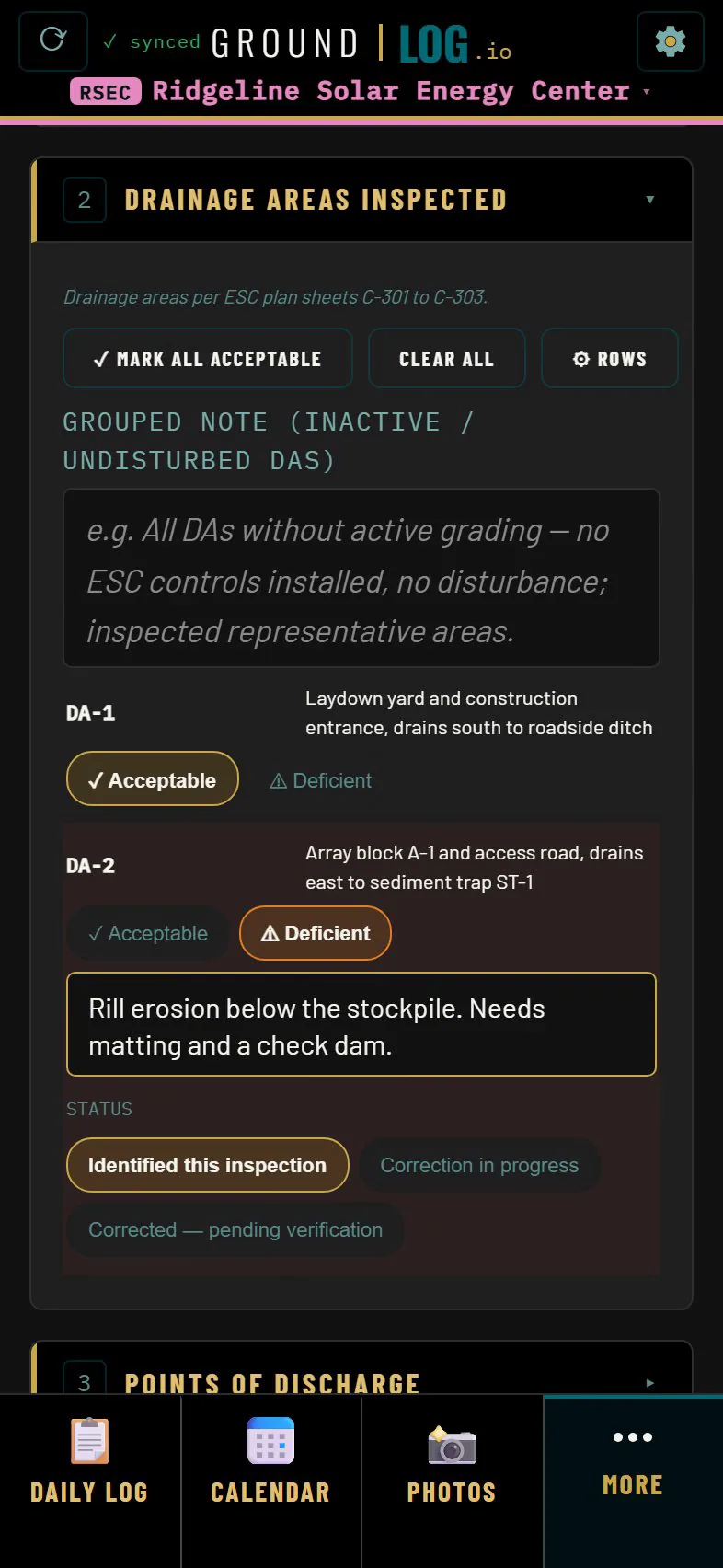
  • Drainage areas, discharge points and every practice from the SWPPP are rows you mark, not text you retype.
  • Corrective actions collect themselves from what you flagged.
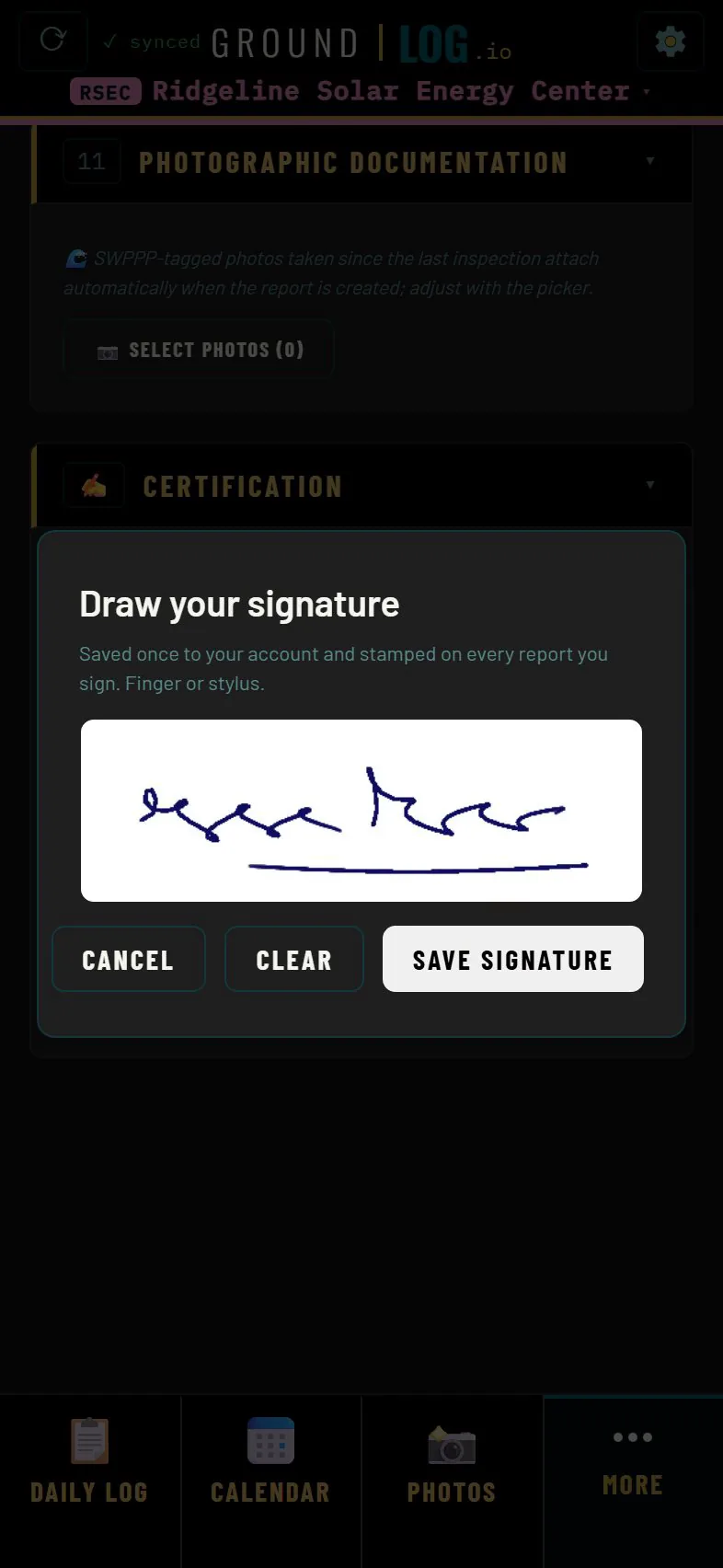
  • Sign it on the screen. Complete locks the record. Export a PDF or a Word file.
See an inspection
Generate report prompt: turn today's field log into a formal compliance report
Report branding settings with logo size, colors and a sample report header
06 · Daily report

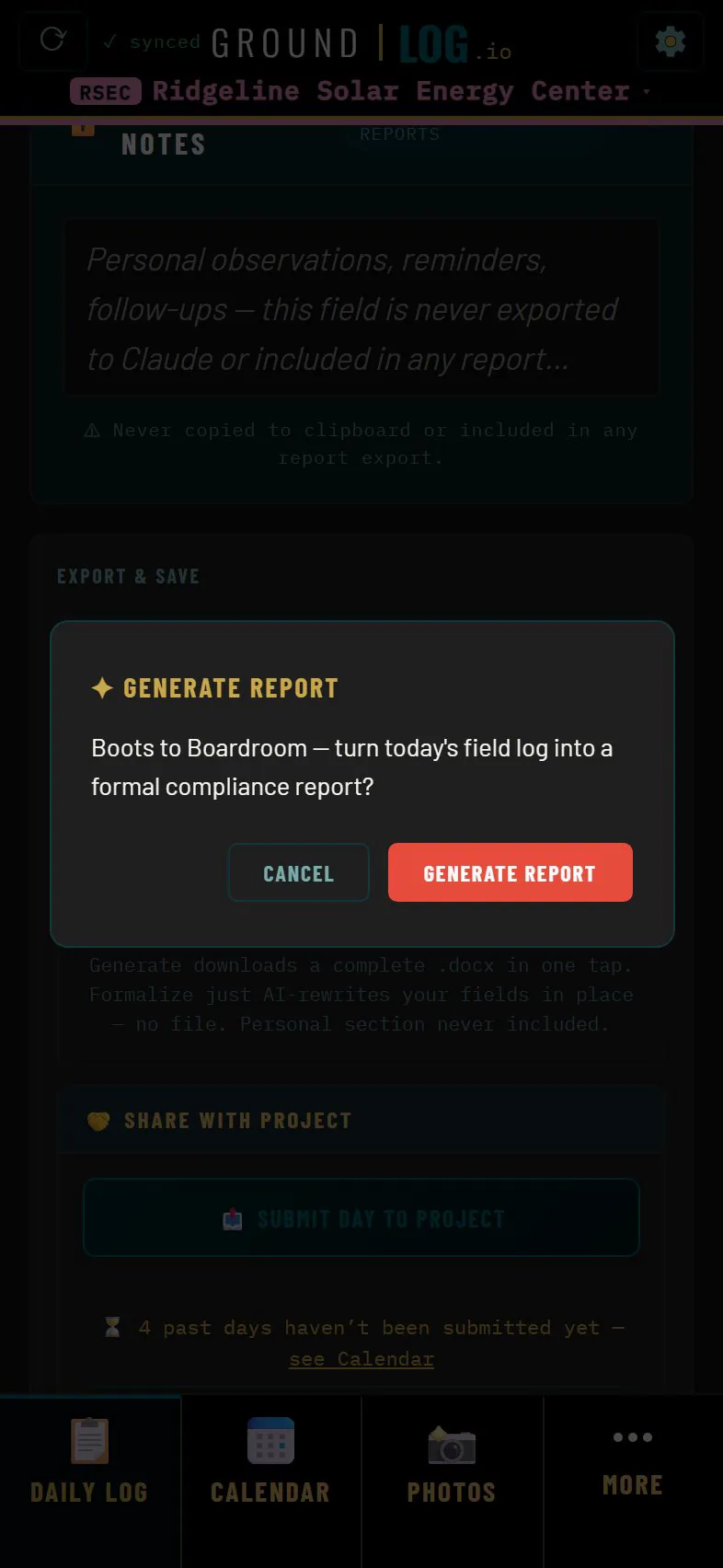
One button turns the day into a report

Weather, checklist, compliance and photos with captions. Nothing retyped.

  • If you turn it on, AI drafts the narrative from your entries. It is yours to edit, and it only sees what you allowed.
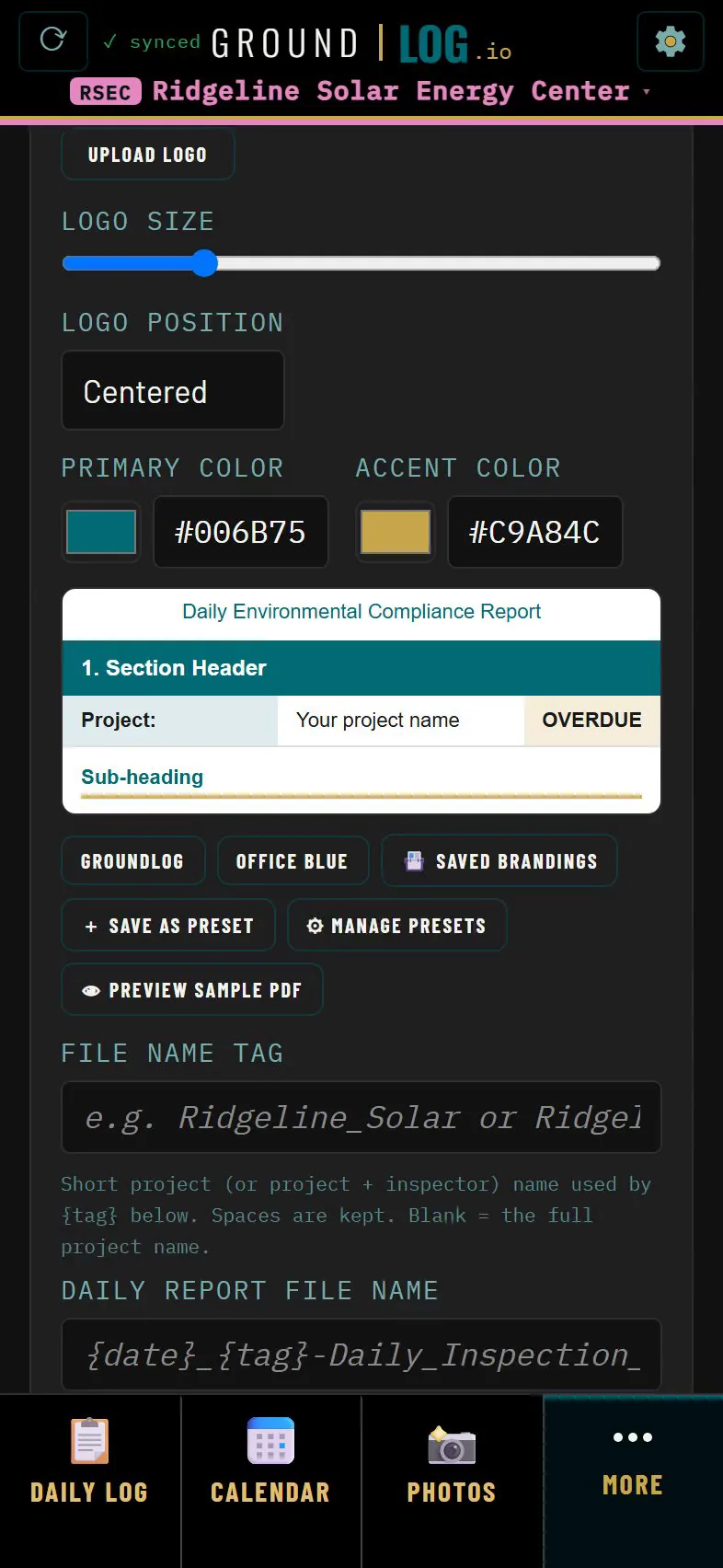
  • The cover carries your firm's logo and colors, set once per project.
  • Every report is kept. Open any day again and export it again.
See the daily report
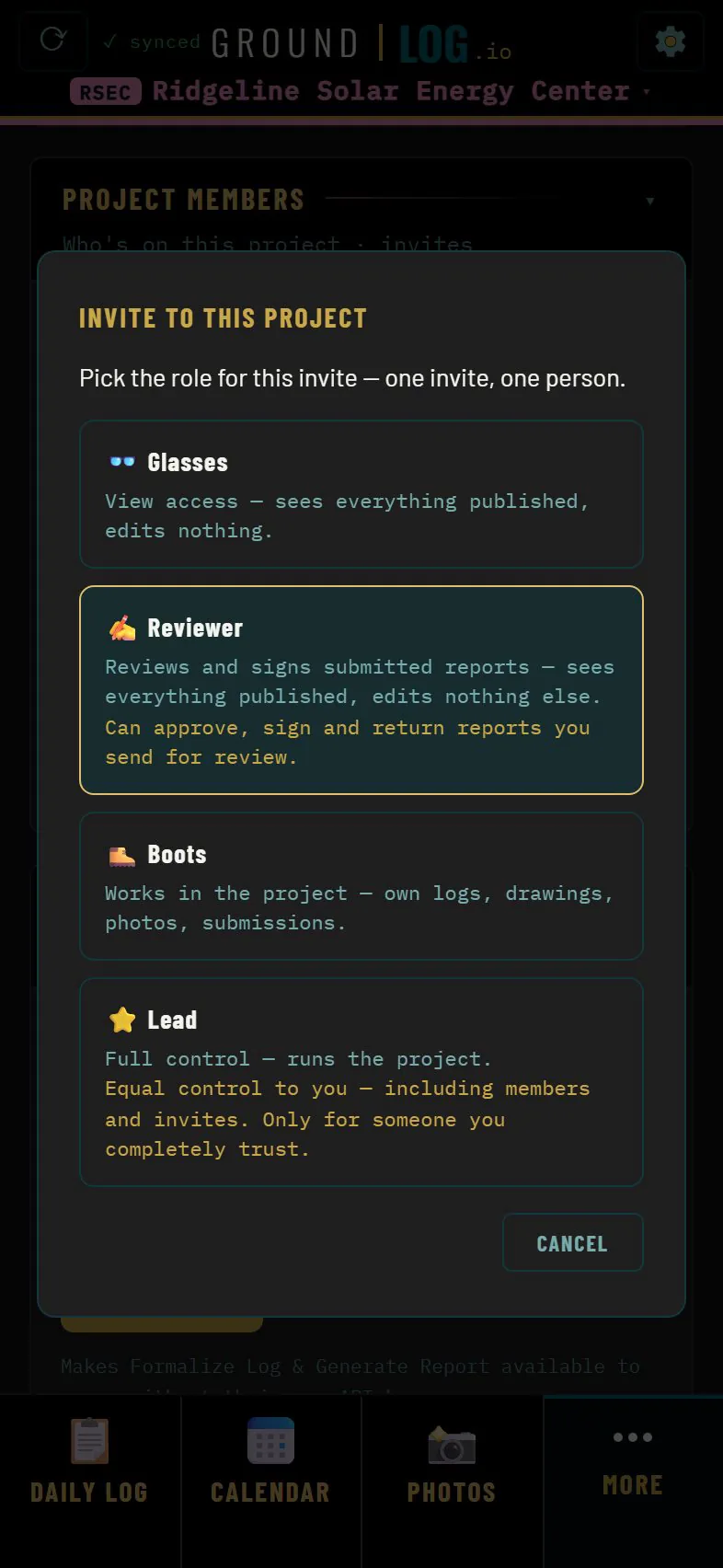
Invite dialog with four roles: Glasses, Reviewer, Boots and Lead
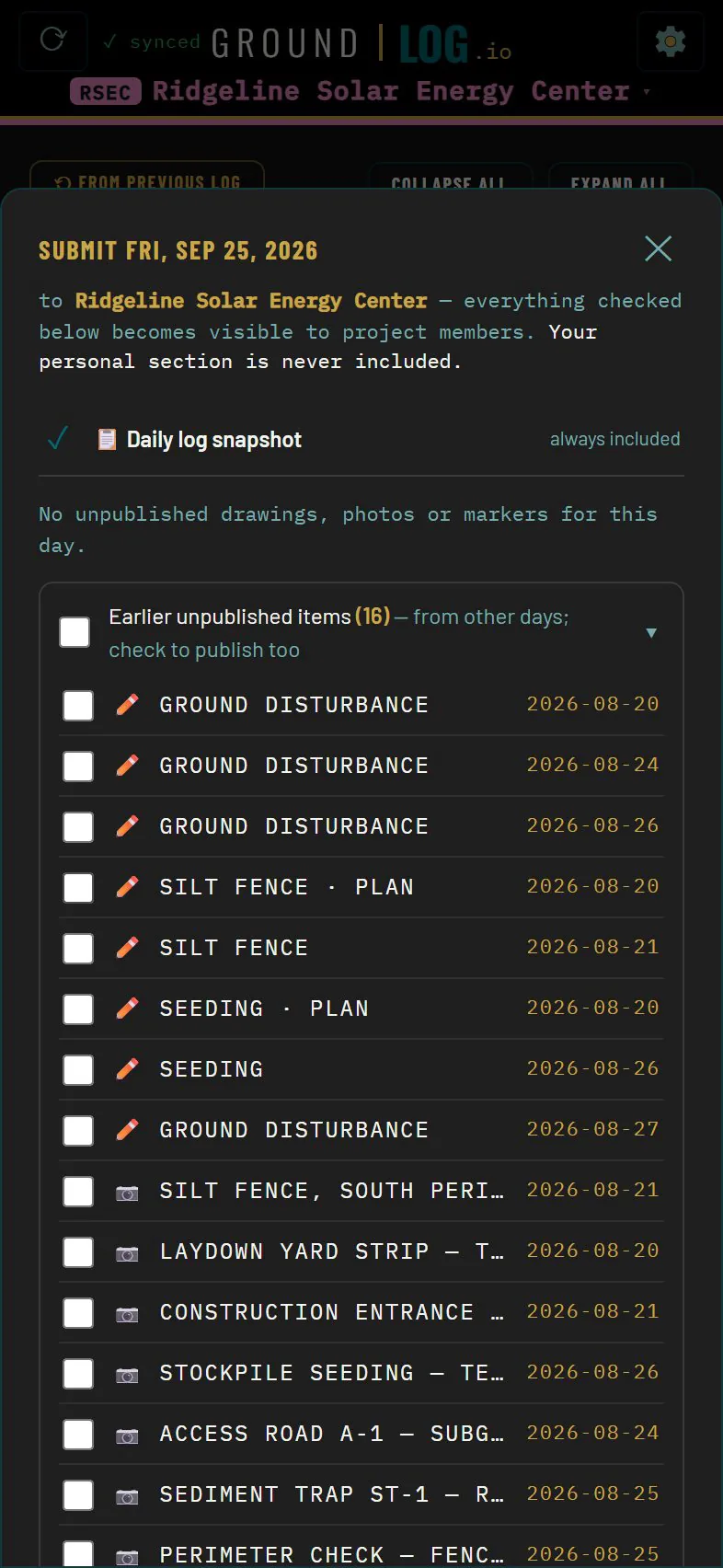
Submit the day dialog listing what becomes visible to project members
07 · Team and review

Roles set what they can change, never what they can see

Invite a teammate with a link or a QR code. Submit the day to the project and your reviewer gets it.

  • Four roles, from view only to project lead.
  • Every project carries its jurisdiction: the agencies, the permit program and the notification clocks.
  • Your personal notes are never part of a submission.
See team and account
Click through tour

Walk the whole day at your own pace

Seven chapters, one step at a time. No sign up, no sales call.

Privacy and ownership

Your account is yours

Your name, your sign in methods, your data. A firm is a layer on top. The account stays with you.

Private until you share

Your work stays private until you submit a day or share an item to the project. Personal notes are never shared.

No ads, no data sales

We do not use your data for advertising and we do not sell it. We collect what the app needs to run for you.

AI only when you ask

Report drafting runs only when you tap Generate Report. Your content is not used to train AI models.

Works offline

Your work is stored on the device and syncs when you are back on a connection.

Your data leaves with you

Reports as Word files, tracking data as Excel, map data as KML, photos as a ZIP. From inside the app, no request needed.

A safety copy of every day

Every daily log is vaulted before anything replaces it. Log Recovery brings a day back in one tap.

The details are in the Privacy Policy.

Get GroundLog

Log it once, in the field

And it carries all the way up. From boots to boardroom.

Setting up a project or a team? Write to support@groundlog.io.

The company

GroundLog LLC

GroundLog is made and operated by GroundLog LLC, a Pennsylvania limited liability company.

Company
GroundLog LLC
Pennsylvania, USA
Support
support@groundlog.io
Replies usually within 1 to 2 business days

About the company